This section allows you to set up layout settings for your site that will affect its look and general functionality. They appear first in your Theme Options as they are able to change the feeling while navigating the site.
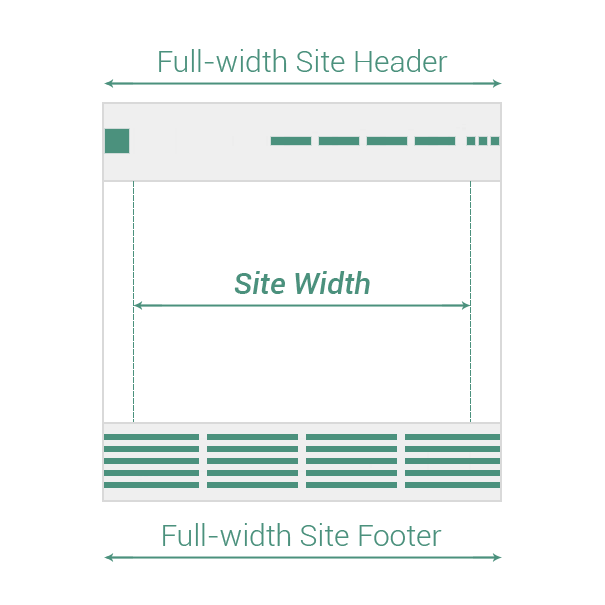
You are free to change the type of site main navigation or the site width. You can even customize separately the width for site header or site footer.
Before starting to present the Layout options themselves, it does worth to visualize how the Site Layout is structured. It helps to better understand the next Theme Options: Header, Content & Footer.
Summary
Layout settings are as follows:
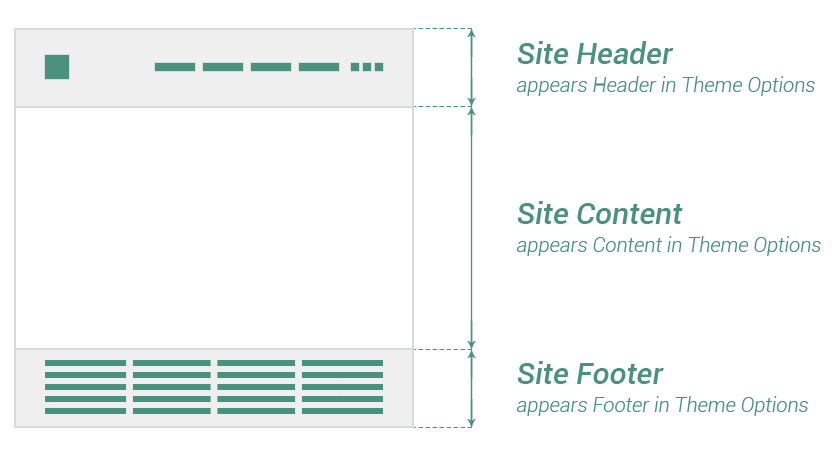
Main navigation
Main navigation or Site Header is the site element which works as user interface item, comprising links to other sections of your site.
Keep in mind In the documentation, Site main navigation is synonym with Site Header.
- Logo Side→ the most used type of main navigation, having the following layout: the logo on left side, the icons on right side and the main menu in the center.
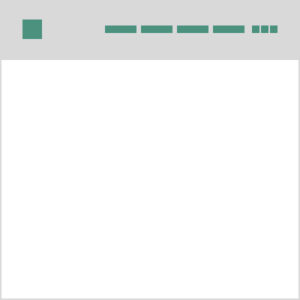
- Logo Top→ it is similar to Classic typology, but this time the main focus is on the Logo, that stands above the icons and the main menu.
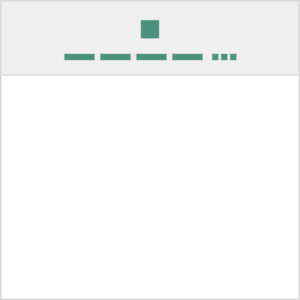
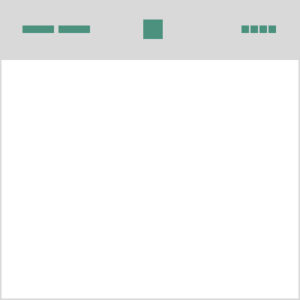
- Logo Center→ the centered logo is supported by the main menu in left side and the icons on the right side.
Site width
Set the maximum width the site content fits in. Even if you set up a specific value for Site width, it can be changed for specific elements (like Posts, Pages or Projects) by using other options from Theme Options.
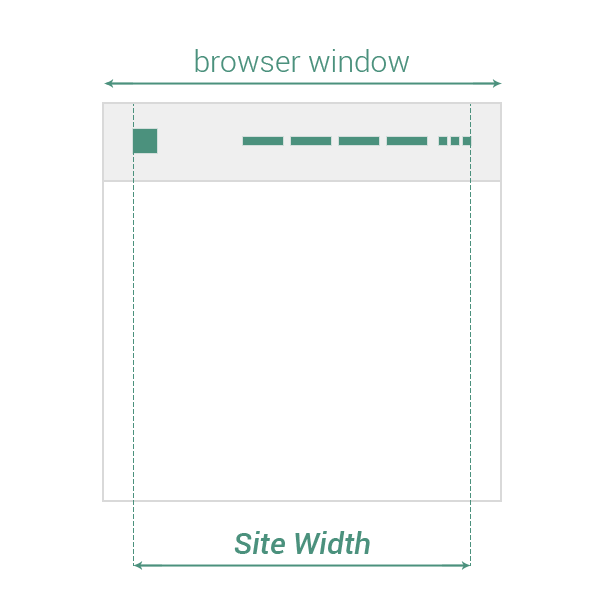
Full width
Decide which site main elements will go on full-width size. You could choose from the following options:
- Site Header (or Site main navigation)
- Site Footer
Keep in mind Site Header takes browser window full-width size if its position is set to TOP.