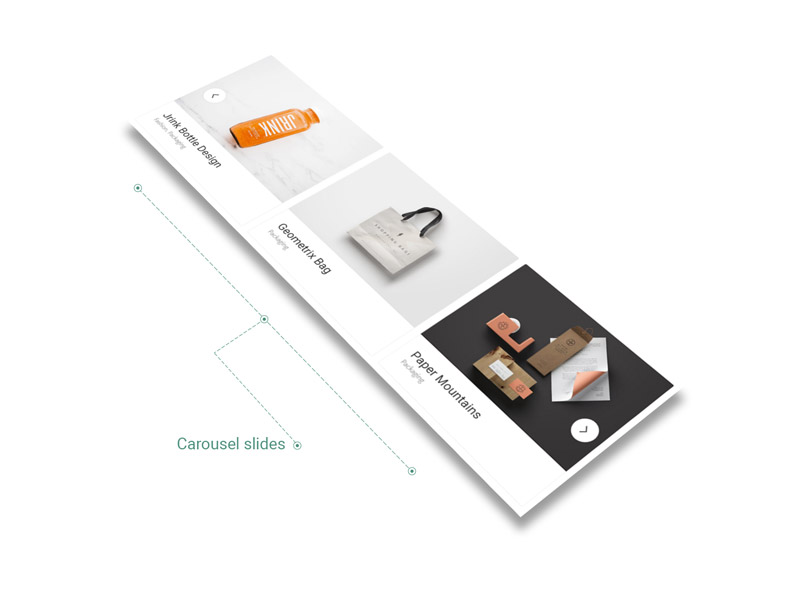
Any kind of archive or items collection, like Projects list or Shop items, could be represented with exquisite design elements like carousels or elegant cards.
Each of them are customizable with specific options as you may need different looks in order to diversify your portfolio of works.
Their custom features could be set up, depending on case, in Theme Options — at a global level, in Album / Projects shortcodes popup windows — at a local level or even in Blog Options panel.
The only condition, we recommend for following, is to use these design items wisely, in order to keep a consistent overall look of the site.
Cards
Card is a piece of content that serves as an entry point to more detailed information, even if they could also stand as independent design elements. The cards may contain a unique data set, such as photo, video, text, formatted quote or even link about a single subject. Their size varies if considering you can use elements like landscape or portrait images.
More cards at a time, actually, become convenient means of displaying content composed of different elements. Basically, a collection of cards could represent Projects List, Shop Items, Related Items (Shop/Projects/Posts) or even a Blog, with Posts in the role of cards.
The Theme comes with four types of cards, carefully handcrafted, that are designed to match your tastes while customizing the own portfolio. They behave differently while hovered by mouse.
The first one is Default type, which mimics an object with a falling shadow behind. It reminds contemporary art styles, matching well flat design.

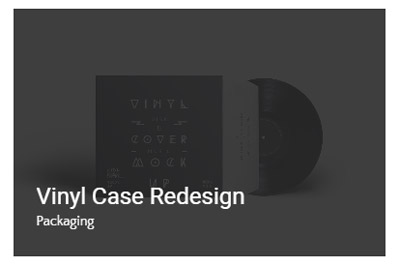
The second one — Fade type — comes with a fancy and elegant gesture. It is conceived generally for classic portfolios.
The third one — Plain type — It is conceived generally for classic shop items.

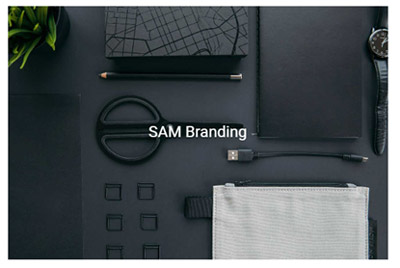
The fourth one — Pinned type — points out precision and direction. It is seen as a very good option for graphic design portfolios or product design works.
Carousels
Carousels represent a specific type of slider which are able to showcase more than one item (image or video) at a time.
For a better control of Carousel Slides spacing, it is recommended to use pictures with same dimensions inside the Carousel.